
3/13/13
Have you ever wanted to start a blog but you’ve been uncertain how to get started? In this article we’ll look at the necessary steps and recommendations to get you up to speed.
1. Types of Blog: Blogs are known as Content Management Systems (CMS’s) that you can use. such as WordPress, Drupal, Joomla!, and others. Which one you use depends on what you want to do and how much control you want over the blog.
2. Hosting: There are several choices. One is to go the free route and to use hosted blogs, such as blogger or WordPress, but if there’s a complaint about your content your site could be shut down without warning. The way to avoid this is to host the blog yourself, which gives you full control over the content. Two hosting providers I recommend are Hostgator and Bluehost.
3. Security: When creating a blog, it’s important to take care of security issues because there are many hackers who might wish to do you harm. Here are a few steps to observe to secure your new blog
• Use strong passwords. Never use “admin” as one of your passwords.
• Use Secure FTP for access to your blog.
• Make weekly backups of your database in case the blog gets hacked.
• Make a copy of all blog posts (and images) and store them in a separate location as a backup.
• Install regular blog updates.
• Remove plugins you’re not using anymore.
• Monitor your blog with security software to check for hacking, malware and/or intrusions.
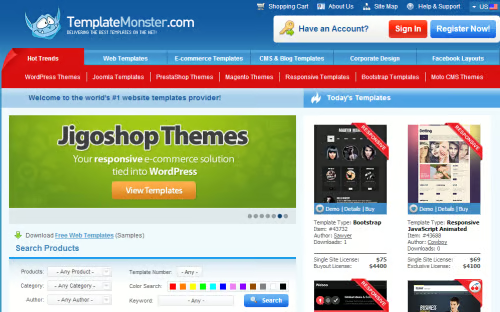
4. Themes: When looking for themes, you’ll discover that many are free, but they might not be right for your site. If that’s the case, consider looking at commercial templates. One such resource is <a href=”http://www.templatemonster.com/” target=”_blank”>Template Monster</a>. And when you do choose one, make sure it’s set up for responsive design, meaning that it will work on the desktop, tablet and mobile. The latter two are becoming more important as time goes on and you don’t want to miss out on this emerging marketplace.
5. Install an SEO Plugin: This will help your blog get ranked with the search engines and will improve your traffic.
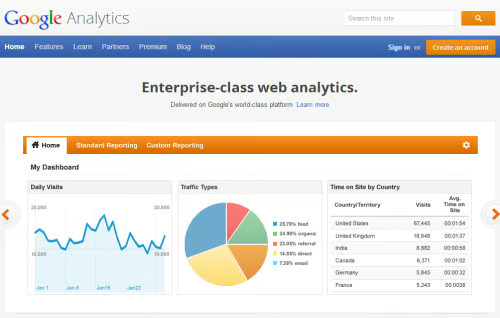
6. Install Analytics: <a href=”http://www.google.ca/analytics/” target=”_blank”>Google Analytics</a> is a free tool that you can use. This is one of the most important steps you can take, because over time you’ll be able see where your traffic is coming from, what the most popular pages are and what keywords visitors have used to find your site. Armed with that information you’ll be able to create more content on those topics, which will increse the visibility and popularity of your blog.
7. Install a Google Sitemap plugin: This will help get your pages indexed on Google.
8. Install a Comment Spam Plugin: A scourge of many bloggers is comment spam, which can be time-consuming to sort through. A plugin of this type will help you sort between legitimate comments and spam, which will be a real time saver.
9: Decide on the Topic of Your Blog: One of the most common complaints is: “I have nothing to write about…” But it’s not true. In reality, you have an enormous amount of life experience and business knowledge.
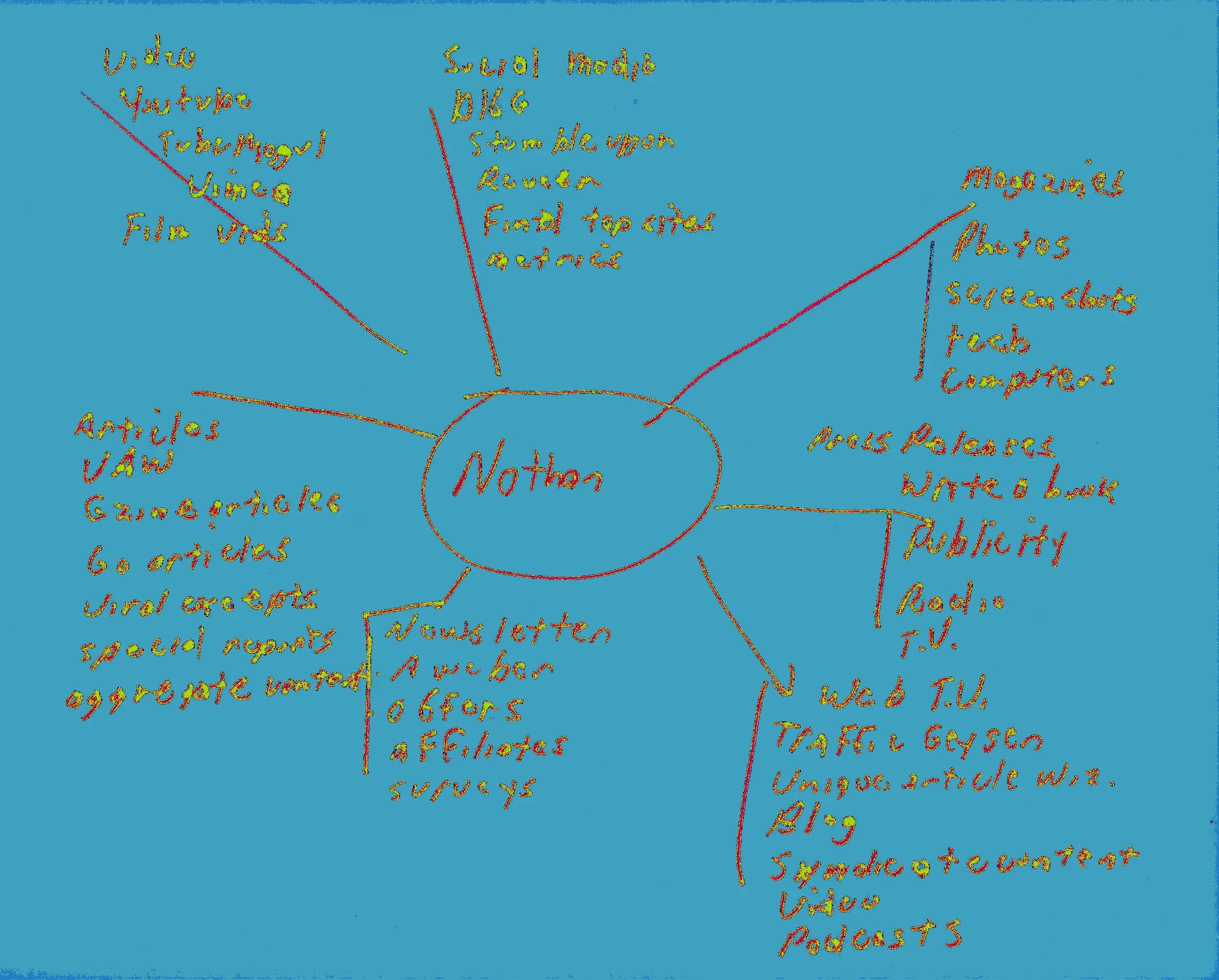
One very powerful way of tapping into your history (and knowledge) is to use a mind map.
A mind map is one of the fastest ways of coming up with new ideas. You place your name in the center and circle it, then let your mind come up with all sorts of ideas represented by the lines radiating out. The main heading for each idea is at the top of each arm. From there, you can list other ideas as they flash into your mind. The process takes only minutes.
Afterwards, choose three topics (on a theme) that interest you the most. You can turn those into categories on your new blog and start writing about them. And as a way of going further and deeper, you can take each of those ideas and create a new mind map for each, which will give you even more ideas to write about.
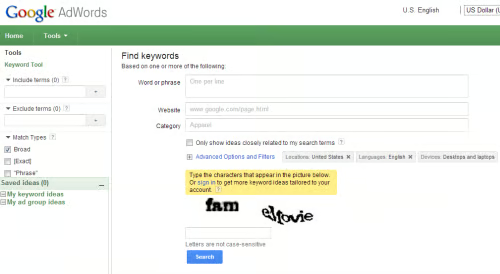
10. Do Keyword Research: This is another great strategy for coming up with excellent topics for your blog. Begin by coming up with a variety of keywords and phrases that you think would be popular. This will form the basis of your research. Next access the Google Keyword Tool and use your keywords as the basis on your search. When the keyword tool completes it’s search, you’ll have many possibilities. To see which ones are best for your blog, copy them over to a search engine and do a phrase match search, where you place quotation marks around the keyword. i.e. “best blogging strategies” This will help you come up with relevant content for your blog.
Conclusion
In this article we’ve covered the fondation of what you need to get started with blogging. In the next article we’re going to look at what’s necessary to make your blog popular and to get more traffic.
